
Buyer's guide
How much does custom software cost in 2026?
The honest answer is "it depends" — so this guide explains exactly what it depends on, gives typical market ranges by project type, and shows you how to get a number you can actually plan around.
The short answer
Custom software costs whatever it takes to build the specific thing you need — which is why two quotes for "a portal" can differ by a factor of ten. A simple internal request form connected to one other system is a very different project from a customer-facing platform with payments, permissions, reporting and five integrations.
So instead of a single number, it's more useful to understand the handful of factors that drive cost. Once you know them, you can shape your project to fit your budget instead of the other way around.
What actually drives the cost
Almost every custom software estimate comes down to the same set of variables. The more of them your project involves, and the more complex each one is, the higher the cost.
- User roles and screens: an app used by one team with one set of permissions is far simpler than one with staff, managers, customers and administrators who each see different things.
- Business rules: approvals, pricing logic, scheduling constraints and exceptions are where most of the real thinking (and testing) goes.
- Integrations: every system the software must talk to — accounting, CRM, e-commerce, email — adds design, build and testing work, especially for two-way sync.
- Data migration: moving years of records out of spreadsheets or an old system, and cleaning them along the way, is often underestimated.
- Security and compliance: sensitive data, audit trails, single sign-on and regulatory requirements add necessary work.
- Design polish: an internal tool can be clean and simple; a customer-facing product usually needs more design attention.
- Reporting: dashboards, exports and scheduled reports are frequently requested late and add up quickly.
Typical ranges by project type
The ranges below are general market guidance, not a price list. They vary widely with location, the team you hire, the quality bar, and how clearly the scope is defined. Treat them as a way to sanity-check quotes, not as a budget.
A focused integration between two well-documented systems, or a small internal tool for one team, commonly falls somewhere in the five-figure range, often at the lower end. A multi-role business application — a customer or employee portal, a service-management system, an operations platform — typically sits higher in the five figures and can reach six figures as roles, integrations and reporting grow. A SaaS product or MVP meant for paying customers usually needs more investment again, because it must handle onboarding, billing, multi-tenant data separation and a higher standard of reliability.
If a quote seems far outside these broad bands in either direction, ask what is included and what has been left out. Very low quotes often exclude testing, data migration, documentation or support; very high quotes may include features you don't need in a first version.
Ongoing costs to plan for
The build is not the only cost. Software runs on hosting, depends on other services, and needs care over time. Budgeting for these up front prevents surprises later.
- Hosting and infrastructure: usually modest for business applications, but it scales with users and data.
- Third-party services: email delivery, file storage, maps, payment processing and similar services may carry their own fees.
- Maintenance: security updates, dependency upgrades, and changes when an integrated vendor updates its API.
- Improvements: once people use the software, they will ask for changes. That's a good sign — plan for a second phase.
How to keep the cost under control
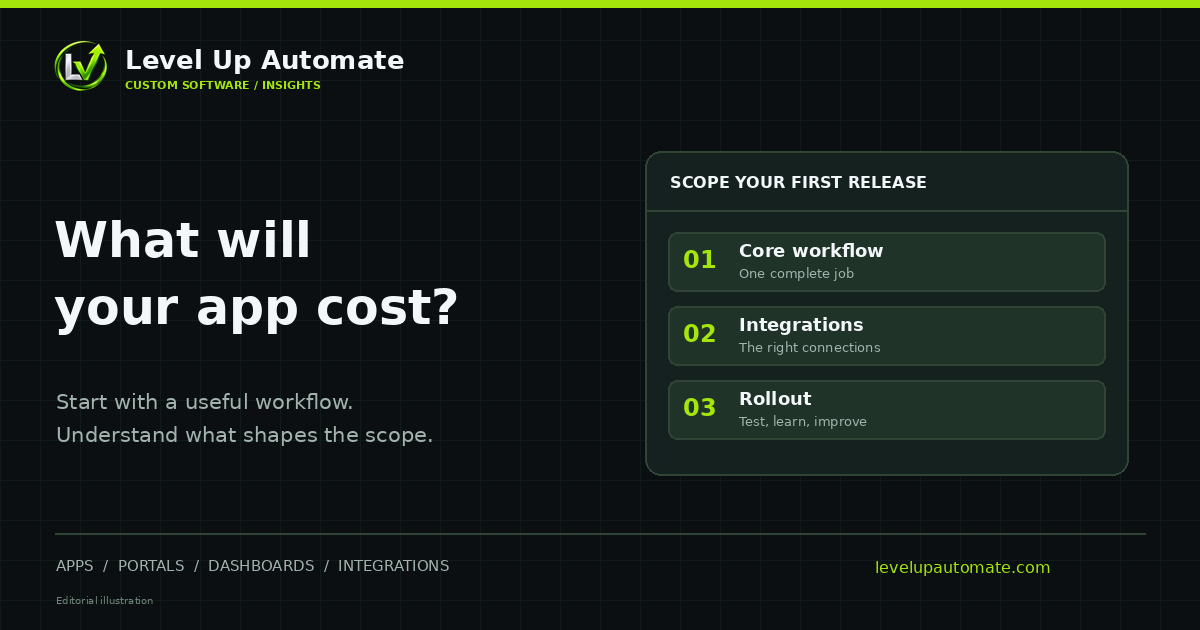
The single most effective lever is scope. Start with the smallest version that solves the most painful part of the problem, put it in front of real users, and let their feedback decide what comes next. This approach is often called an MVP or a phased build, and it reduces risk as much as cost.
Other practical habits help too: write down the process you want the software to support before talking to developers, decide which system is the source of truth for each type of data, and agree on what "done" means for the first release. Clear inputs produce tighter estimates.
Example scopes, from small to large
It helps to picture what different scopes look like in practice.
- A focused integration: new online orders become invoices in accounting, with matching rules, logging and alerts.
- A single-team internal tool: a request form, an approval step, a status board and email notifications for one department.
- A multi-role portal: employees, managers and administrators each with their own views, several workflows, reporting and two or three integrations.
- A customer-facing platform or SaaS MVP: sign-up and onboarding, billing, multi-tenant data separation, an admin area, and a higher bar for reliability and design.
Custom software vs. paying for subscriptions
It's worth comparing custom software to what you already spend. Per-seat subscriptions, connector tools billed per task, and the staff time spent re-entering data are all real costs, even if they don't appear on a single invoice. Sometimes a well-chosen off-the-shelf product is the cheaper answer; sometimes a focused custom application replaces several subscriptions and hours of manual work. The right comparison is total cost over a few years, not the build price alone.
How Level Up Automate estimates a project
We start with a conversation about how the work happens today and what a better version would look like. From there we outline the scope — screens, roles, integrations and data — and provide a written estimate before any work begins. If an existing product would serve you better than custom software, we'll say so.
We're based in Rhode Island, serving businesses across the Northeast and nationwide. We collaborate remotely, with in-person discovery sessions available in Rhode Island and Greater Boston.
Common questions
Frequently asked questions
How much does custom software cost for a small business?
It depends on scope, but small businesses usually get the best value from a focused first version: one core workflow, a small number of user roles and only the integrations that matter most. As general market guidance, focused tools and integrations often land in the five-figure range, while larger platforms cost more. A written estimate based on your actual requirements is the only reliable number.
Why do custom software quotes vary so much?
Quotes differ because teams make different assumptions about scope, quality, testing, data migration and support. One quote may include integrations and documentation that another leaves out. Comparing quotes line by line, against the same written scope, is the best way to see the real difference.
Is custom software a one-time cost?
No. Beyond the initial build, plan for hosting, any third-party services the software uses, and ongoing maintenance such as security updates and changes when connected vendors update their APIs. Most businesses also invest in improvements once real users start asking for changes.
How can I reduce the cost of custom software?
Narrow the first release to the most valuable workflow, keep user roles simple, connect only the systems that matter most, and document your process before development starts. A phased approach lets you spend in stages and base each stage on real feedback.
Is it cheaper to buy off-the-shelf software?
Often it is, when an existing product fits how you work. Custom software makes financial sense when off-the-shelf tools force costly workarounds, when you're paying for many overlapping subscriptions, or when your process is a competitive advantage. Compare the total cost over several years, including staff time.
How do I get an accurate estimate?
Describe the problem, the people involved, the systems you use today and what a good outcome looks like. A developer can then propose a scope and give a written estimate. Level Up Automate provides one after a discovery conversation, before any work begins.
Next step
Want help putting this into practice?
Tell us what you're working on. You'll get a straight answer on what to build, connect or automate first — and what it would take.