Decision guide
Custom software vs. off-the-shelf: how to decide
Neither option is always right. Here is a practical way to decide — including the situations where buying an existing product is clearly the smarter move.
The short answer
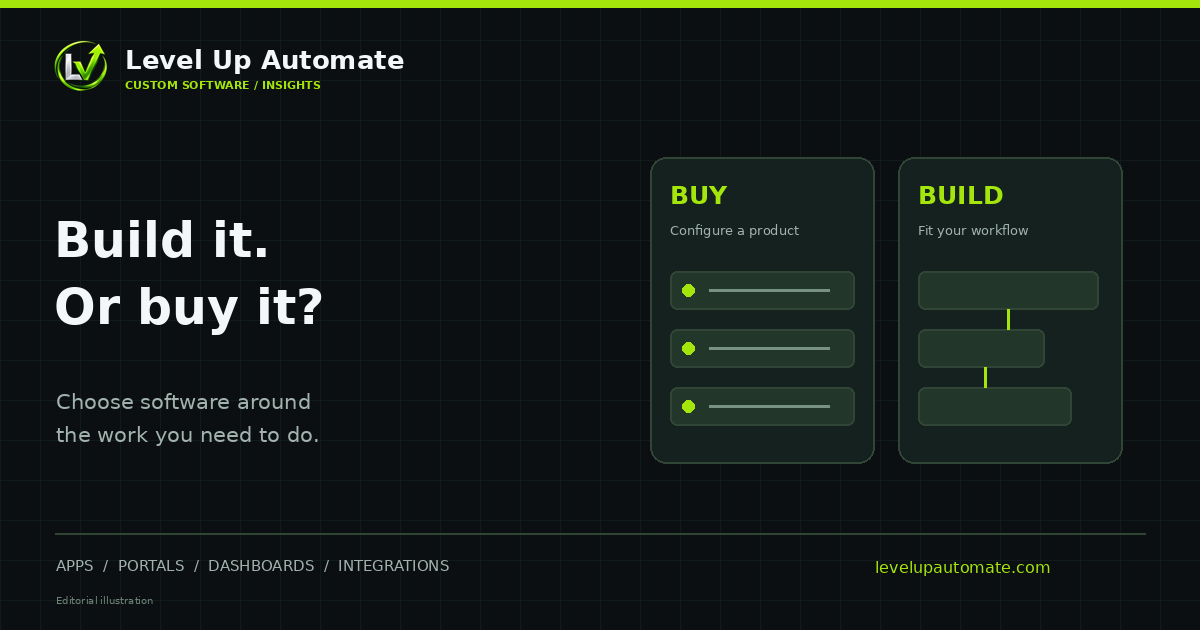
If a product already does what you need, the way you need it, buy it. If your team spends a meaningful part of every week working around the software — exporting, re-typing, keeping side spreadsheets — that is the signal custom software, or at least custom integration, deserves a serious look.
The mistake to avoid is treating this as all-or-nothing. Most businesses end up with a mix: proven products for standard functions like accounting and email, and custom software where their operations are different.
When off-the-shelf is the right choice
Off-the-shelf software (often SaaS) is the right choice more often than developers like to admit. It's quick to start, priced predictably, and maintained by a vendor whose whole business is that product.
- The process is standard: payroll, accounting, email, file storage and many CRMs are well served by existing products.
- A product fits at least most of your workflow without heavy workarounds.
- You need to be up and running in days, not months.
- You don't want to own maintenance, hosting or security updates.
- Regulations or certifications are handled by an established vendor you trust.
When custom software makes sense
Custom software earns its cost when it removes friction that off-the-shelf tools can't, or when the way you work is part of what makes you better than competitors.
- Your process is unusual or is a competitive advantage, and generic software forces you to work like everyone else.
- Staff spend hours each week re-entering data between systems or maintaining side spreadsheets.
- You're paying for several overlapping subscriptions to approximate one workflow.
- You need customers, partners or field staff to interact with your data in a specific way, such as a client portal.
- You want to build a product of your own, such as a SaaS offering.
The hybrid option most businesses miss
Between "buy everything" and "build everything" is a practical middle path. Keep the products that work well, and add a thin custom layer where they fall short: an integration that keeps your CRM and accounting in sync, a portal that sits on top of existing systems, or a dashboard that combines data from several tools.
This approach preserves your investment in existing software, limits what you need to build and maintain, and targets spending at the exact points where your business loses time.
A simple decision framework
Work through these questions honestly, ideally with the people who do the work every day.
- Does an existing product handle at least most of the workflow without awkward workarounds? If yes, start there.
- How many hours a week are spent on manual re-entry, exports and side spreadsheets? Put a rough cost on that time.
- Is the process a source of competitive advantage, or simply a necessary function?
- How many systems need to work together, and do they already integrate well?
- What is the total cost over three to five years for each option, including licenses, staff time, build and maintenance?
- Who will own the software long term, and is there a plan for support and change?
Worked example: a growing field-service company
Consider a field-service company with a dozen technicians. Scheduling lives in a popular SaaS tool, invoicing in QuickBooks Online, customer history in a CRM, and parts inventory in a spreadsheet. Each product is fine on its own. The friction is between them: dispatchers re-type job details, technicians call the office to check parts, and the owner rebuilds a weekly report by hand.
Replacing everything with one custom platform would be expensive and risky. Keeping everything as-is leaves hours of re-entry every week. The middle path is usually best: keep the scheduling and accounting products, connect them through their APIs so completed jobs become invoices automatically, and build a small custom application for the one thing no product handles well — in this case, parts tracking tied to jobs.
The result is less software to maintain than a full rebuild, and far less manual work than the status quo. This is the kind of trade-off a good decision framework should surface.
Questions to ask a vendor or developer
Whichever way you lean, a few questions help expose the real trade-offs before you commit.
- For a SaaS vendor: how does pricing change as we add users, locations or features? What does the API allow, and is there an extra charge for it?
- For a SaaS vendor: how do we export all of our data if we leave?
- For a developer: what is the smallest first version that solves our biggest problem?
- For a developer: what will maintenance involve after launch, and how are ownership and handover handled?
- For both: what will our team need to change about how they work, and how will we train them?
How we approach the decision
At Level Up Automate we start with the workflow, not the technology. If a product you can buy fits well, we'll recommend it — or help you connect it to the rest of your systems. When custom software is the better answer, we scope a focused first version and give you a written estimate before work begins.
Common questions
Frequently asked questions
Is custom software better than off-the-shelf software?
Neither is better in general. Off-the-shelf software is usually faster and cheaper for standard processes. Custom software is better when your process is unusual, when existing tools force constant workarounds, or when several systems need to work as one. Many businesses use both.
What are the disadvantages of custom software?
It takes longer to start than buying a product, it requires an upfront investment, and someone has to maintain it over time. Those trade-offs are worth it only when the software removes meaningful friction or supports a process that sets your business apart.
What are the disadvantages of off-the-shelf software?
You adapt your process to the product rather than the reverse, pricing often grows per seat or per feature tier, and you depend on the vendor's roadmap. Workarounds such as exports and side spreadsheets can quietly cost more than the subscription itself.
Can I combine off-the-shelf and custom software?
Yes, and it's often the best approach. Keep products that work well for standard functions and add integrations, a portal or a dashboard where they fall short. This limits what you build and maintain while removing the most costly manual work.
How do I compare the cost of building vs. buying?
Estimate total cost over three to five years for each option: licenses or build cost, hosting, maintenance, connector fees and, importantly, the staff time spent on manual work and workarounds. The cheaper option on day one is not always the cheaper option overall.
Next step
Want help putting this into practice?
Tell us what you're working on. You'll get a straight answer on what to build, connect or automate first — and what it would take.