
Explainer
What is API integration? A plain-English guide for business owners
Your software can talk to other software — if someone connects it. Here is what that means, how it works, and how to choose the right way to do it.
API integration in one paragraph
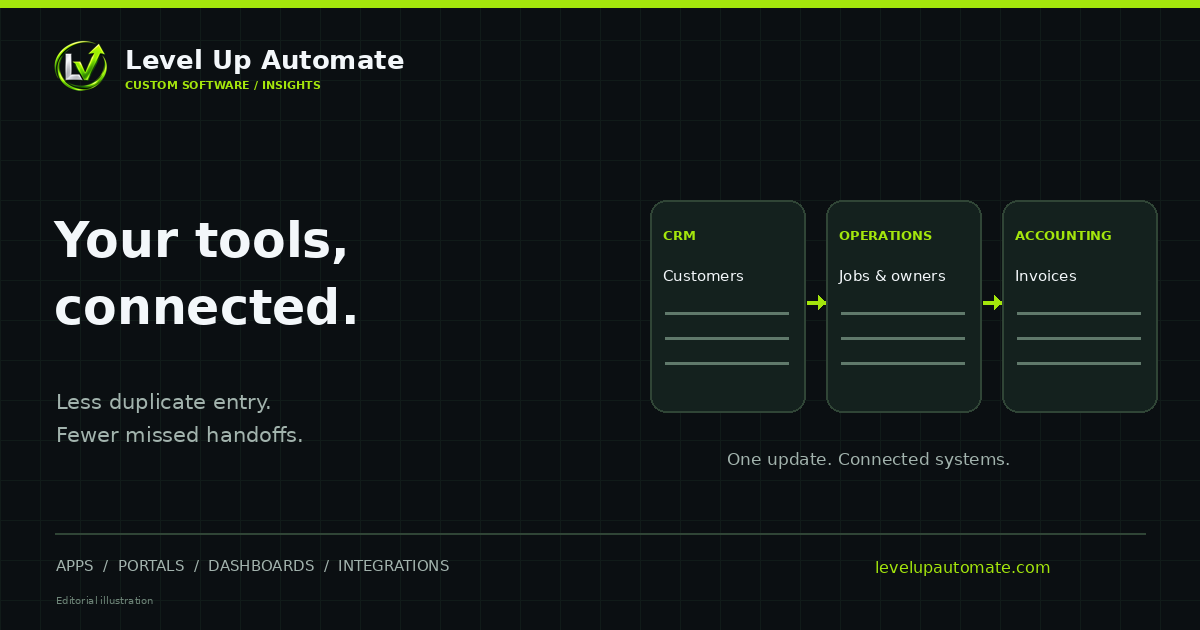
API integration is connecting two or more software systems through their APIs so data moves between them automatically. Instead of a person copying a customer from your CRM into your accounting tool, an integration does it — reliably, every time, often within seconds.
If your team re-types the same information into more than one system, or exports spreadsheets to make reports, API integration is usually the fix.
What is an API?
API stands for application programming interface. Think of it as a service counter built into a piece of software. Other software can walk up to the counter and make specific, permitted requests: "give me today's orders," "create this customer," "mark this invoice paid." The counter checks who is asking, what they're allowed to do, and responds in a predictable format.
Most modern business software — accounting, CRM, e-commerce, payments, scheduling, Microsoft 365 and Google Workspace — offers an API. That's what makes integration possible without changing the software itself.
How an integration actually works
A typical integration has a few moving parts working together.
- Authentication: the integration proves it is allowed to access each system, usually with OAuth 2.0 or an API key, and only gets the permissions it needs.
- Triggers: something starts the work — a webhook announcing a change, a schedule, or a user action.
- Mapping: fields in one system are translated to the matching fields in another (a "client" in one tool may be a "customer" in another).
- Rules: decisions about duplicates, conflicts and which system is the source of truth for each piece of data.
- Error handling: retries when a service is temporarily down, and alerts when something needs a person.
- Logging and monitoring: a record of every run, so problems can be found and explained.
Webhooks: getting updates in real time
Without webhooks, an integration has to keep asking a system, "anything new?" — a pattern called polling. Webhooks flip that around: the system sends a message the moment something happens, such as a payment succeeding or a deal closing. The integration receives it and acts immediately.
Good integrations treat webhooks carefully. Messages can arrive twice or out of order, so the integration checks for duplicates and verifies that each message genuinely came from the sending system.
One-way vs. two-way sync
A one-way integration copies data in one direction — orders flow from your store to accounting, for example. Two-way sync keeps records consistent in both systems, so a change made in either place shows up in the other. Two-way sync is more powerful and more complex: you need clear rules about which change wins when both systems are edited, and protection against loops where an update bounces back and forth.
Zapier-style tools vs. custom integration
No-code connector tools are excellent for simple, low-volume tasks: send a message when a form is submitted, add a row to a spreadsheet when a deal closes. They're quick to set up and great for testing an idea.
Custom integrations make sense when the stakes or the complexity rise: two-way sync, complicated business rules, high volume, sensitive data, or when per-task pricing starts to add up. They also give you proper error handling, logging and documentation, so the integration isn't a black box only one person understands.
- Choose a connector tool when: the task is simple, volume is low, and occasional failures are easy to spot and fix by hand.
- Choose a custom integration when: data must stay accurate across systems, the rules are complex, volume is high, or failures would be costly.
Real-world examples
API integrations are easiest to understand through everyday examples. Each of these replaces a task someone used to do by hand.
- A paid Shopify order creates a sales receipt in QuickBooks Online and reserves stock in an inventory system.
- A deal marked "won" in a CRM creates a project, sends a welcome email and notifies the delivery team in Microsoft Teams.
- A Stripe subscription payment updates the customer's status in your own application and records revenue in accounting.
- A new employee added to an HR system gets accounts created in Microsoft 365 and appears in an internal directory.
- Data from several systems is combined nightly into a dashboard so leadership sees one consistent set of numbers.
What to ask before you start
Before building anything, answer a few questions: Which systems are involved, and do they have documented APIs? Which system is the source of truth for each type of data? How quickly does data need to move — seconds, hours or overnight? What should happen when something fails, and who should be told? The answers shape the design and the estimate.
Level Up Automate builds API integrations for businesses across the Northeast and nationwide from our Rhode Island base, including platforms such as QuickBooks Online, Salesforce, HubSpot, Shopify, Stripe and Microsoft 365. We'll tell you up front if a connection isn't realistic.
Common questions
Frequently asked questions
What is API integration in simple terms?
API integration connects software systems through their APIs so data moves between them automatically. For example, a new order in an online store can become an invoice in accounting software without anyone re-typing it.
What is the difference between an API and an integration?
An API is the doorway a piece of software provides for other programs to access its data. An integration is the working connection built on top of one or more APIs, including the rules, mapping, error handling and monitoring that make data flow reliably.
What is a webhook?
A webhook is a message a system sends automatically when something happens, such as a payment succeeding or a record changing. Integrations use webhooks to react in near real time instead of repeatedly checking for changes.
Should I use Zapier or a custom integration?
Use a no-code connector for simple, low-volume tasks where an occasional failure is easy to fix by hand. Choose a custom integration for two-way sync, complex rules, high volume, sensitive data, or when per-task fees grow large.
Is API integration secure?
It can be, when built properly: encrypted connections, OAuth or securely stored API keys, the minimum permissions each integration needs, validation of incoming data and logging of activity. Security should be part of the design from the start.
What if one of my systems doesn't have an API?
There are often alternatives, such as scheduled exports, direct database access or file transfers over SFTP. They're less elegant than an API but can still remove manual work. A good developer will tell you what's realistic before you commit.
Next step
Want help putting this into practice?
Tell us what you're working on. You'll get a straight answer on what to build, connect or automate first — and what it would take.