
Operations
Internal portal vs. spreadsheets: when it's time to upgrade
Spreadsheets are where most business processes start. Here's how to tell when one has become a liability — and what an internal portal does instead.
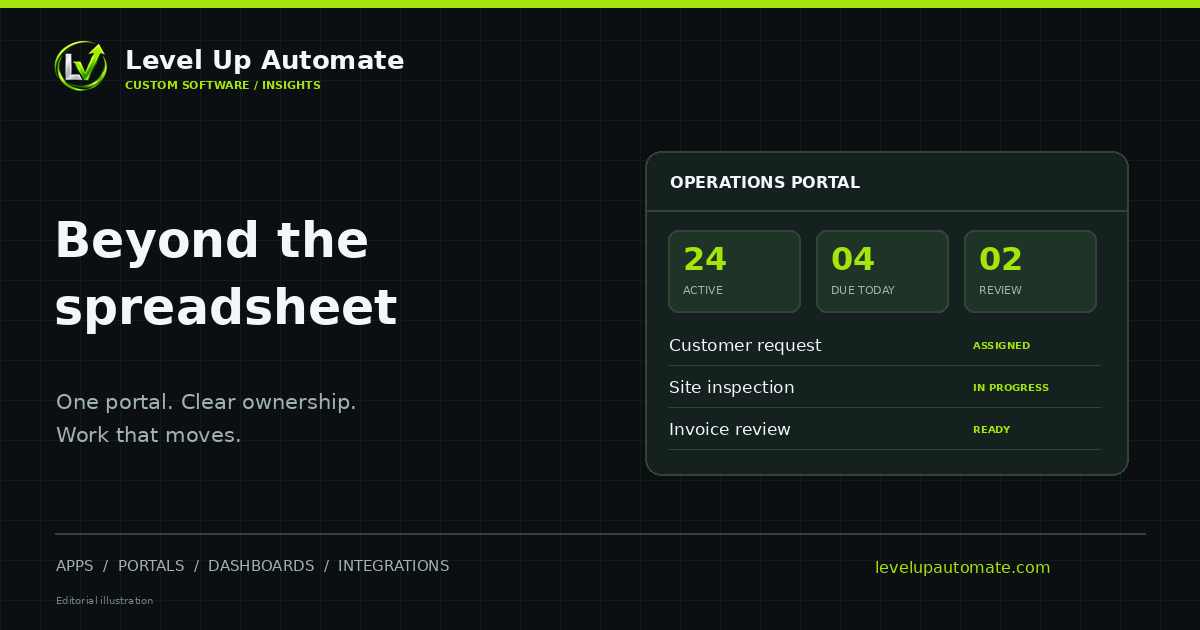
Spreadsheets aren't the problem — until they are
Spreadsheets are one of the most useful business tools ever made. They're flexible, everyone knows them, and they let a team start tracking something today. That's exactly why so many operations — onboarding, requests, inventory, scheduling, approvals — end up running on them.
The trouble starts when a spreadsheet stops being a working document and becomes the system the business depends on, shared by many people, edited all day and trusted for decisions.
Signs you've outgrown the spreadsheet
If several of these sound familiar, the spreadsheet has become a risk rather than a tool.
- There are multiple versions, and people argue about which one is current.
- Formulas break when someone inserts a row, and nobody notices for weeks.
- You can't tell who changed what, or when.
- Everyone can see and edit everything, including information they shouldn't.
- Only one person really understands how it works.
- Requests arrive by email and someone copies them in by hand.
- The same data is also typed into accounting, a CRM or another system.
- Reporting means a manual export and an afternoon of cleanup.
What an internal portal actually is
An internal portal is a secure web application your team uses to do a specific job: submit and approve requests, manage records, track work, or onboard people. Instead of one big grid that everyone edits, each person sees the forms, lists and dashboards relevant to their role.
Behind the scenes, the portal stores data in a proper database, enforces your rules, keeps a history of every change, and can connect to the other systems you use — so information is entered once.
What a portal replaces
The specific features depend on your process, but most portals replace a familiar set of spreadsheet workarounds.
- Shared tabs and colour-coding → structured records with statuses and owners.
- Emailed requests → a form that captures the right information the first time.
- "Please approve" threads → approval steps with reminders and a record of decisions.
- Hidden columns and trust → role-based permissions.
- Manual exports → live dashboards and scheduled reports.
- Re-typing into other systems → API integrations with accounting, HR, CRM or email tools.
Example: employee onboarding
Onboarding is a classic spreadsheet process. HR keeps a checklist, IT gets an email asking for accounts, a manager is reminded to order equipment, and nobody has a single view of where each new hire stands.
In a portal, a new hire record triggers the right tasks for HR, IT and the manager, each person sees only their steps, requests for accounts and equipment are captured with all the details, and leadership can see progress at a glance. Our Employee Administration Portal concept shows what this kind of application can look like (it's an illustrative concept with fictional data).
How to make the move without disruption
You don't need to replace every spreadsheet at once. The safest path is gradual.
- Pick the spreadsheet that causes the most pain or risk.
- Write down the process it supports: who does what, in what order, with what rules.
- Build a focused first version of the portal for that one process.
- Import and clean the existing data, then run old and new side by side briefly.
- Retire the spreadsheet, then move on to the next process.
When to keep the spreadsheet
Not every spreadsheet should become software. Keep spreadsheets for one-off analysis, modelling, early experiments and work one person owns. The case for a portal is strongest when many people depend on the same data every day, when mistakes are costly, or when the information also needs to live in other systems.
What it takes to build a portal
A focused internal portal usually needs a handful of building blocks: a secure login (often using your existing Microsoft 365 or Google Workspace accounts), a database designed around your records, forms and lists for each role, the rules and approval steps your process requires, notifications, and any integrations with other systems.
The build typically follows a short discovery to map the process, a design phase where your team clicks through screens before development, and a development phase with regular demos on a test site. Data from the spreadsheet is imported and checked before launch, and the team gets a short walkthrough so day one isn't confusing.
The effort scales with the number of roles, rules and integrations, which is why starting with a single process keeps the first version manageable.
Common questions
Frequently asked questions
What is an internal business portal?
An internal business portal is a secure web application employees use for a specific job — such as submitting requests, managing records, approvals or onboarding — with role-based access, a proper database and a history of every change.
When should a business stop using spreadsheets?
When many people depend on the same spreadsheet daily, when versions and broken formulas cause errors, when you need permissions or an audit trail, or when the same data is re-typed into other systems. Those are signs it has become an operational system.
Is an internal portal expensive to build?
It depends on the number of roles, rules and integrations. A focused portal for one process is a much smaller project than a company-wide platform. Starting with the most painful process keeps the first version proportionate.
Can a portal connect to our existing software?
Yes. Portals commonly connect through APIs to accounting, HR, CRM, email and identity systems so information is entered once and stays consistent everywhere.
Can we import our existing spreadsheet data?
Usually, yes. Existing data is imported and cleaned during the build, and it's common to run the spreadsheet and the portal side by side briefly before retiring the spreadsheet.
Next step
Want help putting this into practice?
Tell us what you're working on. You'll get a straight answer on what to build, connect or automate first — and what it would take.